
Introducing KineMaster's 7.2 Version Update
September 1, 2023 · Alex Grant
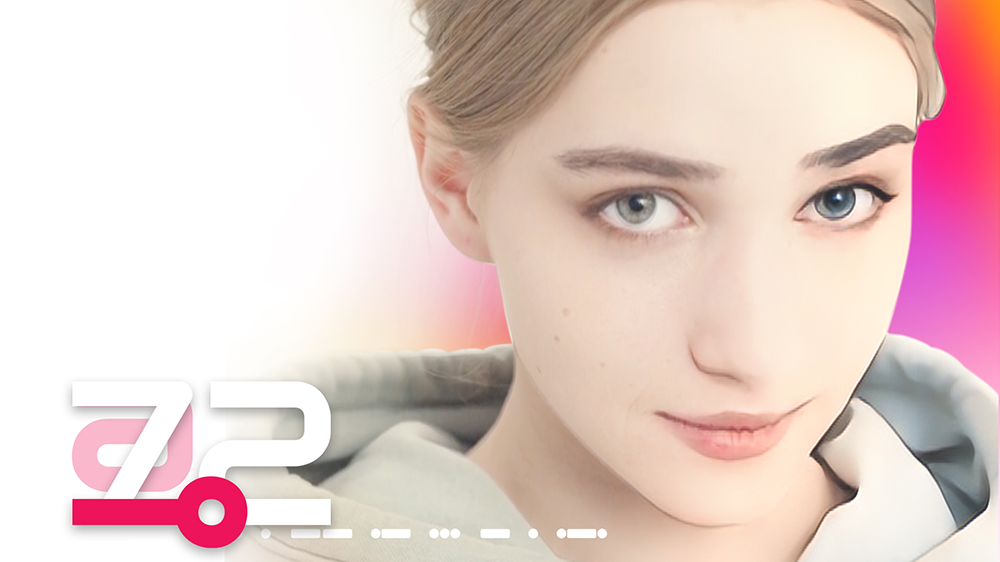
We are delighted to announce the new version, KineMaster 7.2, which you have been eagerly waiting for! Let's take a look at the new features of the more powerful KineMaster 7.2 version through this update.
AI Style - Add amazing visual effects to videos and images!
Firstly, introducing the new feature, AI Style. This feature allows you to add amazing visual effects to videos and images using artificial intelligence technology. Now, with KineMaster, you can create unique and beautiful visual effects through more in-depth editing.
Search and use Pixabay stock images and videos in the Media Browser.
Next, a feature has been added to the Media Browser that allows you to search and use Pixabay stock images and videos. Pixabay offers numerous high-quality images and videos. Now, you can search and use these resources directly in KineMaster, enabling you to create rich content by utilizing a wider range of sources.
New! Asset Store category: Short Music.
A new category called Short Music has been added to the KineMaster Asset Store. You can now easily create short-form videos using Short Music. Make your videos more lively with various genres of Short Music.
Improvements in Mix - Account follow, notification management, comment disabling and deletion, view count verification, display of original video templates.
Mix is a space for communication among KineMaster users, and various improvements have been introduced in this update. Features such as account follow, notification management, comment disabling and deletion, view count verification, and display of original video templates provide richer communication and convenient management.
Filter and view video templates by Worldwide and My Region.
A feature has also been added that allows users to filter and view video templates by Worldwide and My Region. With this feature, you can experience a variety of templates from around the world or find templates that are suitable for your region.
Asset sorting and bookmarking features for downloaded assets.
Lastly, sorting and bookmarking features have been added for downloaded assets. Now, you can arrange your downloaded assets in the desired order or add frequently used assets to bookmarks for easier access and use.
Before diving into content creation, we encourage you to check out the new features introduced in this update and make the most of them to create your own unique masterpiece.
KineMaster is always striving for user convenience. We hope this update helps with your creative activities, and we promise to bring you more new features and improvements in the future. Please continue to show your interest and love for KineMaster. Thank you.
FAQ
Are there more than one short music versions of the same song?
Does KineMaster upload my video to apply AI Styles?
How do I add an asset to my Favorites folder?

Two apps, one subscription!
Subscribers to KineMaster Premium get Spring Premium for free!
Create Mind-blowing Videos, Fast and Easy now!